
 Search


Mount-It!
Picking a TV mount feels like a small decision until you're staring at a crooked screen or a bracket that doesn't fit. The right mount keeps your TV secure, puts it at the right angle, and looks good on the wall. The wrong one means a return trip to the hardware store or, worse, a safety issue. Getting it right starts with knowing what to look for before you buy.
Check Compatibility Before Anything Else
Mount style matters, but compatibility comes first. A mount that doesn't fit your TV or wall won't work regardless of how well it's built. These are the three things to confirm before you order anything.
VESA Pattern
VESA refers to the mounting hole pattern on the back of your TV, measured in millimeters. It looks something like 400x400 or 600x400. Every mount specifies which VESA patterns it accepts. If the pattern on your TV doesn't match what the mount supports, it won't connect. Check your TV's manual or the manufacturer's website for this number.
Weight Capacity
Mounts list a maximum weight they can safely hold. Your TV's weight is in its product specs. Always choose a mount with a capacity above your TV's actual weight. Matching them too closely leaves no safety margin.
Wall Type and Stud Spacing
Standard wall mounts anchor into wall studs. In most homes, studs sit 16 or 24 inches apart. Concrete, brick, or plaster walls require a different installation process and masonry anchors. Renters or anyone with non-standard stud spacing has specific mount options designed for those situations.
The Main Mount Types Explained
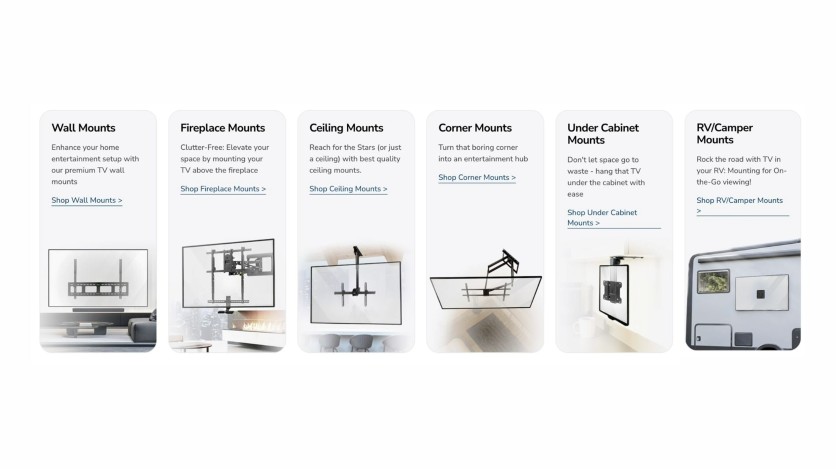
There are five main types of TV mounts, and each one solves a different problem. Choosing based on your room setup rather than just price will save you from having to redo the install later.
Mount-It!
Fixed Mounts
A fixed mount holds the TV flat against the wall with no tilting, swiveling, or extending. The TV sits close to the surface for a clean, low-profile look. Installation is straightforward, and these tend to be the most affordable option.
They work well in rooms where the seating is centered directly in front of the TV and the height is already correct. Single-sofa living rooms and dedicated home theater setups are a natural fit.
Tilting Mounts
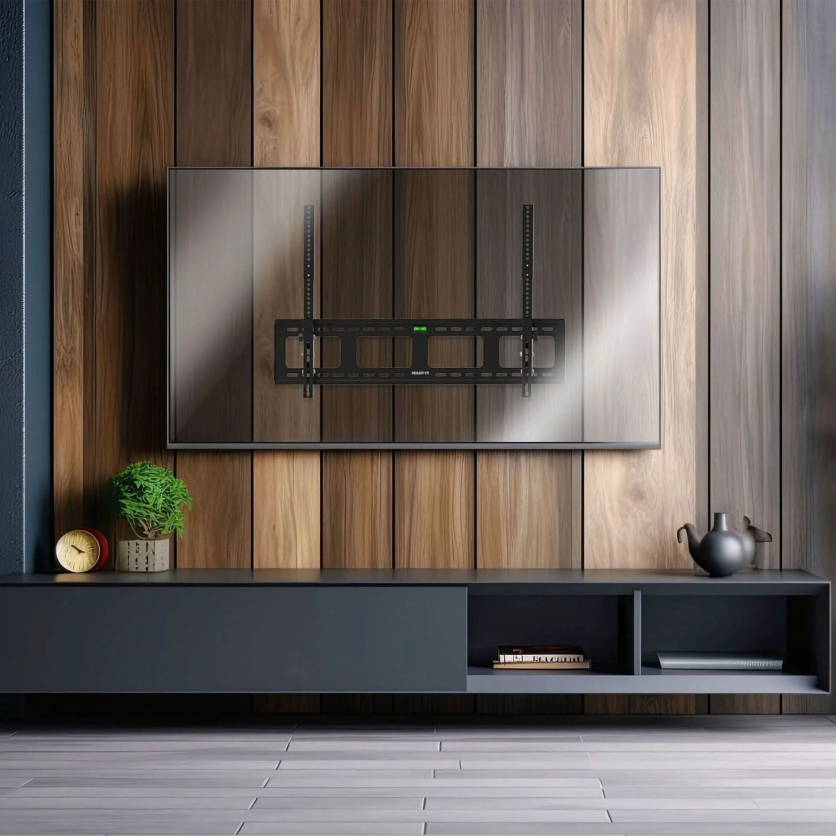
Tilting mounts let you angle the screen downward, usually between 5 and 15 degrees. When a TV is mounted above furniture or on a higher wall section, a downward tilt keeps the viewing angle comfortable and reduces glare from windows or ceiling lights.
Mount-It!'s Heavy-Duty Tilt TV Wall Mount (MI-2303L) is one example, designed for screens from 43 to 90 inches and rated for up to 220 lbs.
Mount-It!
Full Motion Mounts
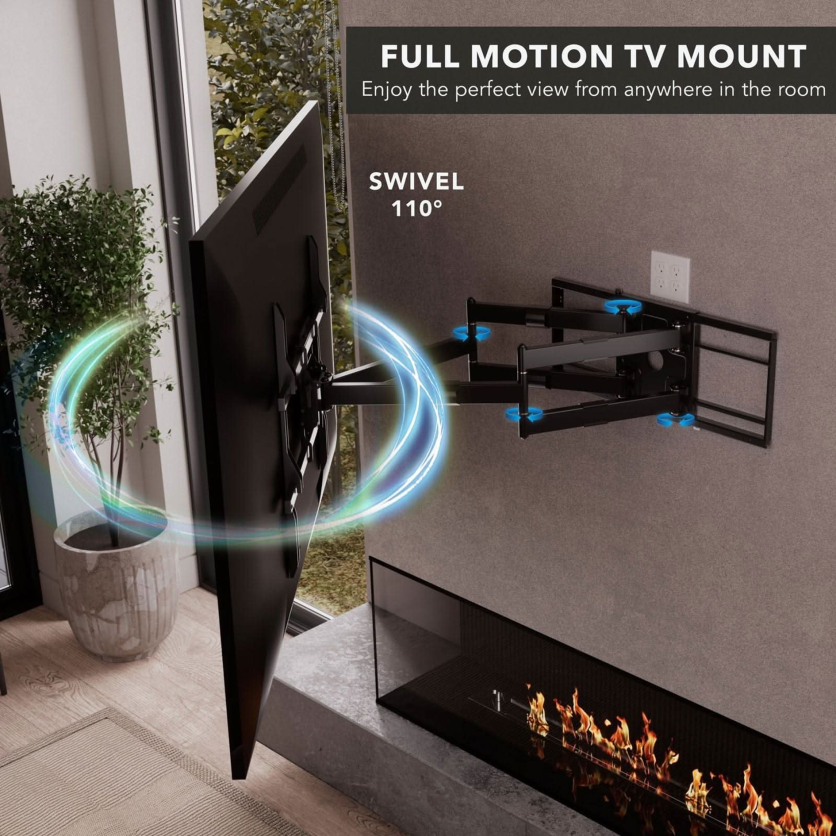
A full-motion mount is the most versatile type. The articulating arm lets you swivel left or right, tilt up or down, and extend the TV out from the wall. When you're not adjusting it, the arm folds back, and the TV sits close to the wall.
Open floor plans, kitchens, rooms with seating on multiple sides, and any space where the viewing angle changes regularly all benefit from full motion. The extended arm also makes accessing the TV's ports or cable connections easier without unmounting anything.
Mount-It!
Ceiling Mounts
Ceiling mounts work well when there's no suitable wall space or when the TV needs to face multiple directions at once. Gyms, open kitchens, commercial environments, and rooms with unusual layouts are common use cases. Motorized ceiling options are available for spaces where the TV should stay out of sight when not in use.
Corner Mounts
Corner mounts attach to a wall at an angle so the TV faces into the room from a corner position. They solve the problem of rooms where centering a TV on a flat wall isn't practical. Most corner mount options include an articulating arm so you can still adjust the angle after installation.
Matching the Mount to the Room
The same TV in two different rooms might need two completely different mounts. Here's how to match the type to the situation:
- Living room, single seating area: A fixed mount works well here. If the couch is centered and the TV height is right, extra movement adds cost without adding value.
- Living room, multiple seating areas: A full-motion mount lets you shift the screen to face different parts of the room. A fixed mount won't serve the room well if people are watching from different angles.
- Bedroom above a dresser: A tilting mount brings the screen angle down toward the bed. Without tilt, a TV mounted above dresser height forces uncomfortable upward viewing.
- Above the fireplace: Fireplace placement often puts the screen too high. Pull-down or motorized fireplace mounts let you lower the TV to a more comfortable viewing height during use.
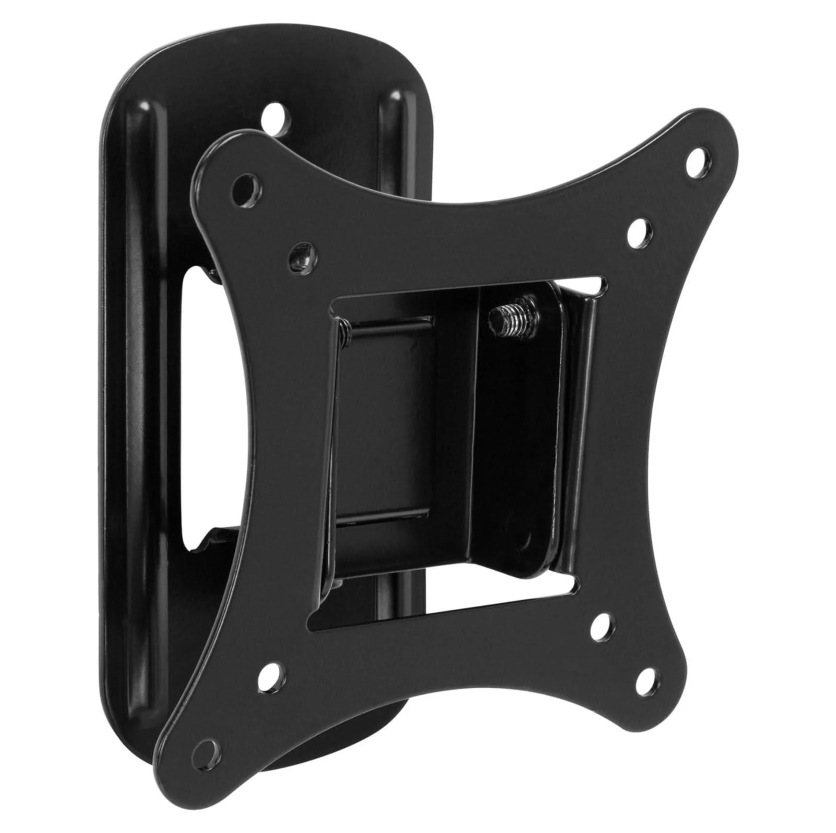
- Rental or apartment: Single-stud mounts are designed for walls where two-stud installation isn't possible, covering most smaller screens in that situation.
Mount-It!
For a deeper compatibility checklist, the Mount-It! TV mounts collection pages include detailed VESA, weight, and screen size specs for each product.
What You Need for Installation
Wall mounting a TV is a manageable DIY job for most people. Most mounts come with hardware and a bubble level included. Having the right tools ready before you start avoids mid-install delays.
What you'll need:
- Stud finder
- Power drill with bits
- Level
- Screwdrivers
- Measuring tape
A few things that go wrong most often:
- Skipping the stud finder and anchoring into drywall only. Drywall cannot hold a TV's weight safely on its own.
- Mounting too high. Seated eye level should align with the center of the screen.
- Leaving cable management until after the TV is up. It's much harder to sort once the screen is in place.
- Not checking VESA compatibility before attaching the wall plate to the TV.
Putting It Together
Start with your TV's VESA pattern and weight. Confirm your wall type. Then match those details to the right mount for how the room is actually used. That process takes about ten minutes and makes the difference between a setup that works long term and one that needs to be redone.
Mount-It! carries a wide range of TV wall mounts across fixed, tilting, full-motion, ceiling, corner, fireplace, and motorized categories, with detailed specs on every product page to help confirm the right fit before purchasing.

-
 C114 Communication Network
 -
 Communication Home
