

 Search


No one likes it when electronics have an expiration date, but it's often unavoidable, especially for app-connected devices. In some cases, that includes your smart home, as technology you've used for years loses support and eventually becomes unusable.
Some of the latest victims were the earliest 1st- and 2nd-gen smart Nest Thermostats, which lost all support late in 2025, forcing people to make tough choices. These Nest Thermostats lasted for around 12 years, which is a common timeframe for device obsolescence -- forced or otherwise.
Smart home tech loses support for several reasons, most of which come down to money. Companies eventually don't want or can't afford the server space, maintenance costs and employee time it takes to keep very old devices running. Many new features won't work with devices of a certain age, either. And, of course, continuing to use old tech means you aren't buying new devices, something brands would much prefer.
So what do you do if you find a key part of your home has a deadline for kicking the bucket? We drew up a plan based on our experiences with this problem.
Find the specific date support is ending
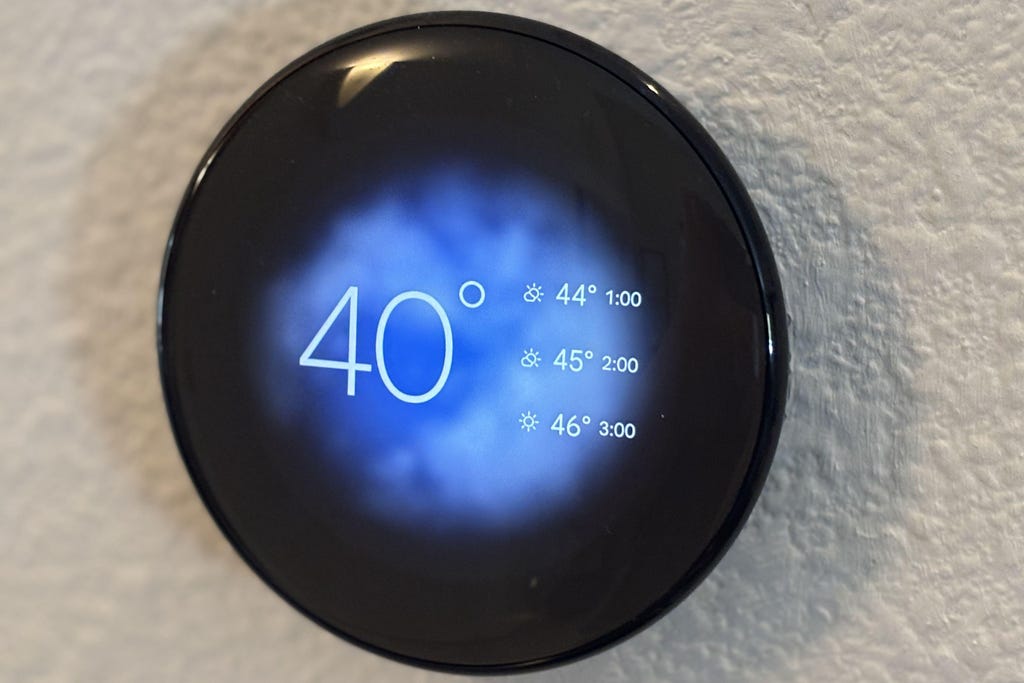
Nest's thermostat has gone through several different generations. Tyler Lacoma/CNET
Smart home devices don't usually lose support unexpectedly, unless something drastic happens, such as a company collapsing. Instead, manufacturers typically notify users through email, app alerts, letters or some combination of the three that certain models are nearing the end of support.
These warnings should give you plenty of time to make arrangements. They often come as much as a year in advance. Mark the date and set a reminder to take action.
Don't use the smart device after support is gone
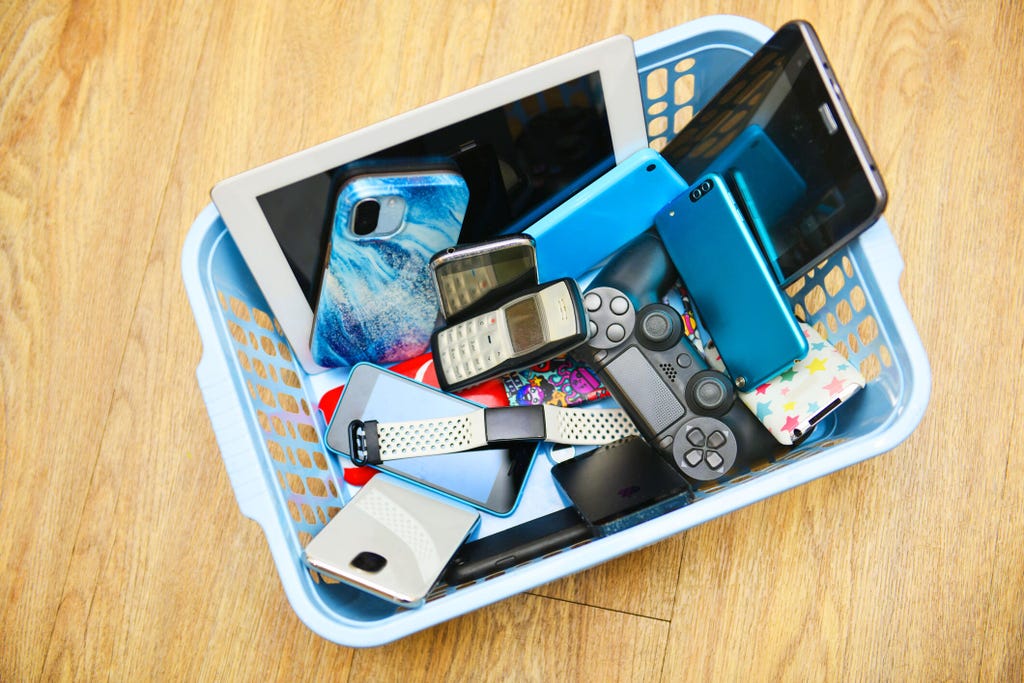
When old electronics lose support, it's usually better to get rid of them. Peter Dazeley via Getty Images
We know that if a device still turns on, it's tempting to keep using it. But that approach doesn't work when smart devices lose support. Even missing routine firmware updates can quickly leave devices vulnerable to large-scale hacking attempts if they remain connected to the internet. These online attacks happen all the time, but companies keep devices prepared to defend against them, a defense that quickly fades when support is gone.
But losing support is much more than a security risk. Take the Nest Thermostats as an example: Those early models from Google also lost the ability to control the thermostat through the app entirely, meaning no remote control, no voice assistant support, no home routines or connections and no notifications.
Those changes take the "smart" out of smart devices, and even if you try to use it offline with only manual controls, if a bug occurs there's nothing you can do about it. Replacement is almost always the best call.
Check out discounts for a similar device replacement
Paying out because a device grows old is annoying and not within every budget. Companies often try to make the process easier by offering discounts and deals. Check your loss-of-support letters for any information on replacing the device.
Google, for example, offered eligible users nearly 50% off the newest Nest Learning Thermostat when it ended support for early models. Some companies may even offer free replacements, although that's rare.
See if it's time to switch to a (reliable) brand
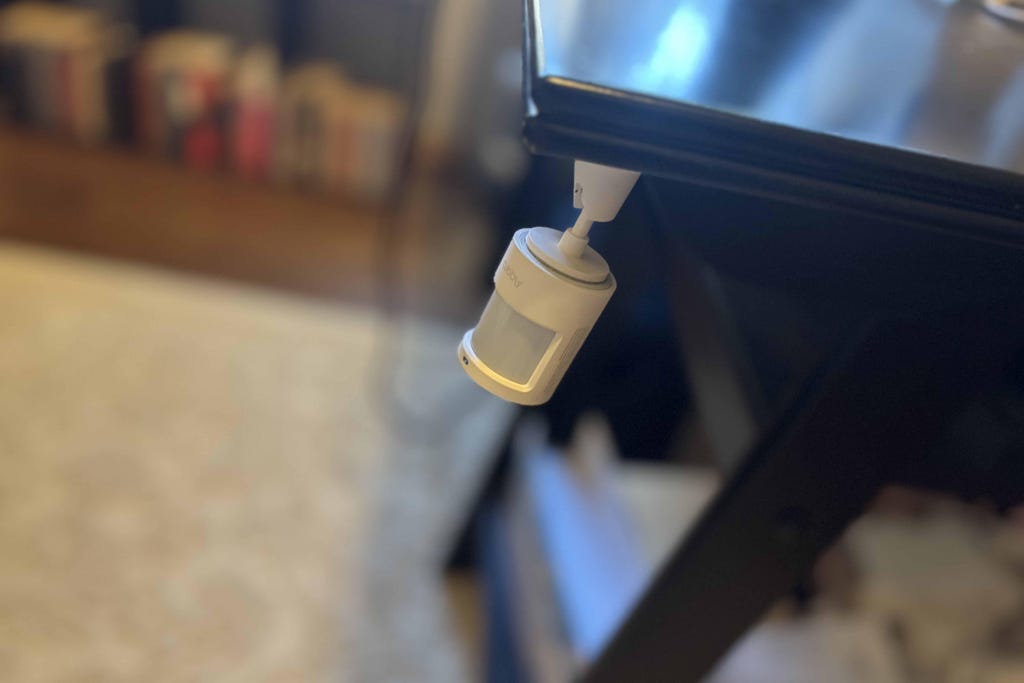
Aqara's tiny sensors are cheap and reliable. Tyler Lacoma/CNET
If you're frustrated about an end-of-life notification in your smart home, we can't blame you for wanting to switch to a different brand. It's one of the best times to explore new smart home options and switch to a different company or platform.
For longevity, look for devices that have the latest Matter support, which means they'll work with Apple, Google and Alexa, among other advances. That makes them less likely to lose support over time. Watch for companies with a long, successful track record in the smart home world, since they're less likely to suddenly fold or end support for long-term customers. Our best lists for devices like security cameras and smart thermostats are great places to start, although as Nest proved, even the largest, most well-known brands aren't immune to dumpstering old devices.
Another option is looking for home technology that's largely offline and can work fine without apps when necessary. That's harder to find, but our guide on the best off-the-grid home security options is a good place to start.
Feeling techie? Look into open-source support
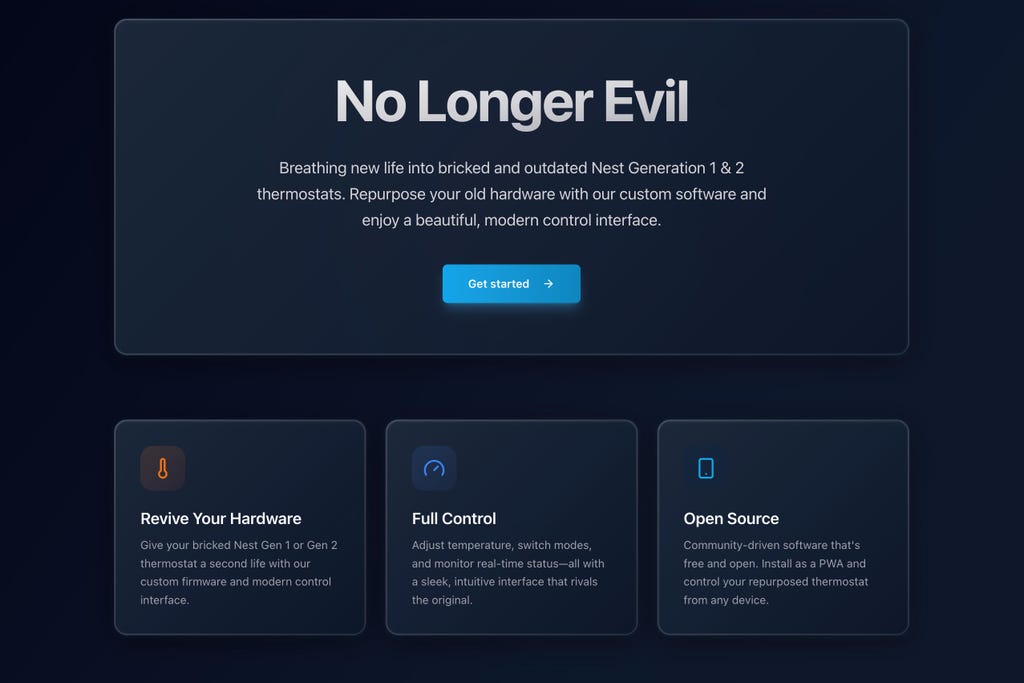
Open-source groups may, in some cases, take over support of dying smart devices. No Longer Evil
Sometimes communities develop alternative solutions you can adopt if you don't mind doing some work. Returning to our Nest example, the old thermostats were quickly picked up by the No Longer Evil project, which exists for these Nest devices.
No Longer Evil creates free, open-source software that sneaks in and replaces Nest firmware with a somewhat bootlegged version made to restore remote control and other monitoring features without needing Nest, Google or the Google Home app.
Projects like this are experimental and can potentially brick devices, so it's not for everyone. But they show an effort to pass support along to the community so people can continue to use their technology until it truly dies. If that's your goal, see if there's any open-source efforts around your device, too.
Recycle your old devices safely
Finally, when replacing an old piece of home tech, remember to safely dispose of the old device. Many products contain batteries and other materials that require safe recycling as opposed to dumping them in the trash. If you won't be using their apps anymore, remember to cancel your account and delete the app when you're finished.
If you've read this far, you may also be interested in the best home cameras without subscriptions, how to get home AI features for free and how to find low-cost home monitoring.


