
 Search

Credit: Apple
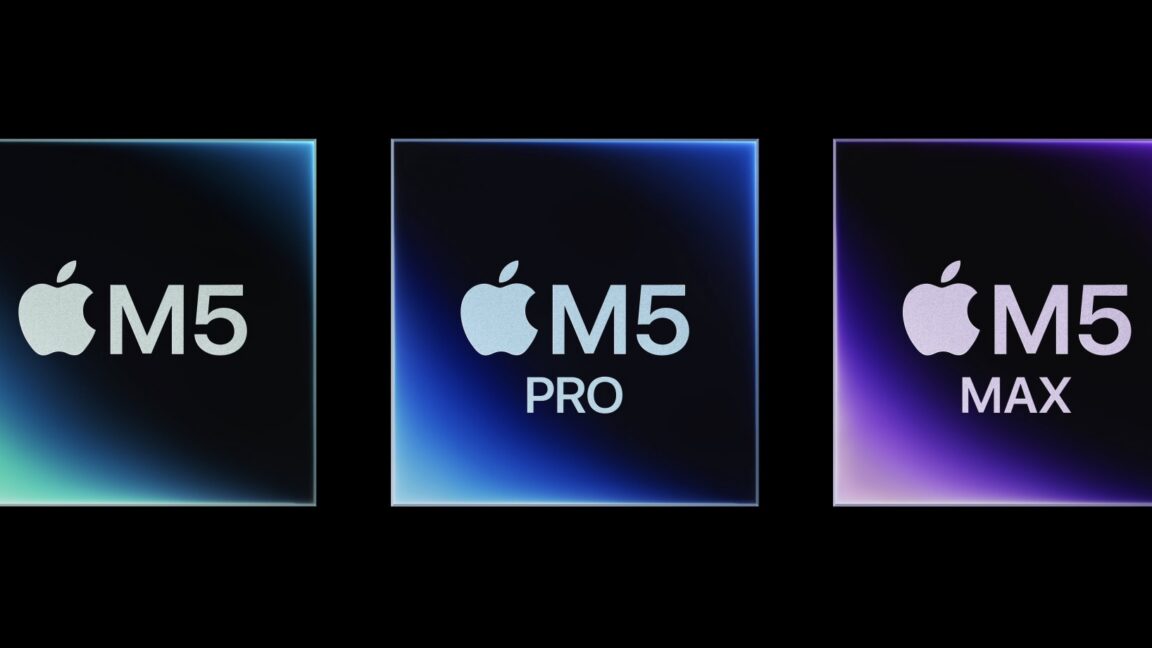
As part of today’s MacBook Pro update, Apple has also unveiled the M5 Pro and M5 Max, the newest members of the M5 chip family.
Normally, the Pro and Max chips take the same basic building blocks from the basic chip and just scale them up—more CPU cores, more GPU cores, and more memory bandwidth. But the M5 chips are a surprisingly large departure from past generations, both in terms of the CPU architectures they use and in how they’re packaged together.
We won’t know the impact these changes have had on performance until we have hardware in hand to test, but here are all the technical details we’ve been able to glean about the new updates and how the M5 chip family stacks up against the past few generations of Apple Silicon chips.
New Fusion Architecture and a third type of CPU core
Apple says that M5 Pro and M5 Max use an “all-new Fusion Architecture” that welds two silicon chiplets into a single processor. Apple has used this approach before, but historically only to combine two Max chips together into an Ultra.
Apple’s approach here is different—for example, the M5 Pro is not just a pair of M5 chips welded together. Rather, Apple has one chiplet handling the CPU and most of the I/O, and a second one that’s mainly for graphics, both built on the same 3nm TSMC manufacturing process.
The first silicon die is always the same, whether you get an M5 Pro or M5 Max. It includes the 18-core CPU, the 16-core Neural Engine, and controllers for the SSD and the Thunderbolt ports for driving displays.
The second die is where the two chips differ; the M5 Pro gets up to 20 GPU cores, a single media encoding/decoding engine, and a memory controller with up to 307 GB/s of bandwidth. The M5 Max gets up to 40 GPU cores, a pair of media encoding/decoding engines, and a memory controller that provides up to 614 GB/s of memory bandwidth (note that everything in the GPU die seems to be doubled, implying that Apple is, in fact, sticking two M5 Pro GPUs together to make one M5 Max GPU).
Apple’s spec sheets now list three distinct types of CPU cores: “super” cores, performance cores, and efficiency cores.
Credit: Apple
Apple is also introducing a third distinct type of CPU core beyond the typical “performance cores” and “efficiency cores” that were included in older M-series processors.
At the top, you have “super cores,” which is Apple’s new M5-era branding for what it used to call “performance cores.” This change is retroactive and also applies to the regular M5; Apple’s spec sheet for the M5 MacBook Pro used to refer to the big cores as “performance cores” but now calls them “super cores.”
At the bottom of the hierarchy, you still have “efficiency cores” that are tuned for low power usage. The M5 still uses six efficiency cores, and unlike the super cores, they haven’t been rebranded since yesterday. These cores do help with multi-core performance, but they prioritize lower power usage and lower temperatures first, since they need to fit in fanless devices like the iPad Pro and MacBook Air.
And now, in the middle, we have a new type of “performance core” used exclusively in the M5 Pro and M5 Max.
These are, in fact, a new, third type of CPU core design, distinct from both the super cores and the M5’s efficiency cores. They apparently use designs similar to the super cores but prioritize multi-threaded performance rather than fast single-core performance. Apple’s approach with the new performance cores sounds similar to the one AMD uses in its laptop silicon: it has larger Zen 4 and Zen 5 CPU cores, optimized for peak clock speeds and higher power usage, and smaller Zen 4c and Zen 5c cores that support the same capabilities but run slower and are optimized to use less die space.
What we don’t know yet is how these new chips perform relative to the previous versions. Technically, the M4 Pro and M4 Max both had more “big” cores than the M5 Pro and M5 Max do—up to 10 for the M4 Pro and up to 12 for the M4 Max. But higher single-core performance from the six “super cores” and strong multi-core performance from the 12 performance cores should mean that the M5 generation still shakes out to be faster overall.
How all the chips compare
For Mac buyers choosing between these three processors, we’re updating the spec tables we’ve put together in the past, comparing the M5-generation chips to one another and to their counterparts in the M2, M3, and M4 generations.
Here’s how all of the M5 chips stack up, including the partly disabled versions of each chip that Apple sells in lower-end MacBook Air and Pro models:
| CPU S/P/E-cores | GPU cores | RAM options | Display support (including internal) | Memory bandwidth | Video decode/encode engines | |
|---|---|---|---|---|---|---|
| Apple M5 (low) | 4S/6E | 8 | 16GB | Up to three | 153GB/s | One |
| Apple M5 (high) | 4S/6E | 10 | 16/24/32GB | Up to three | 153GB/s | One |
| Apple M5 Pro (low) | 5S/10P | 16 | 24GB | Up to four | 307GB/s | One |
| Apple M5 Pro (high) | 6S/12P | 20 | 24/48/64GB | Up to four | 307GB/s | One |
| Apple M5 Max (low) | 6S/12P | 32 | 36GB | Up to five | 460GB/s | Two |
| Apple M5 Max (high) | 6S/12P | 40 | 48/64/128GB | Up to five | 614GB/s | Two |
Despite all the big under-the-hood changes, the basic hierarchy here remains the same as in past generations. The Pro tier offers the biggest bump to CPU performance compared to the basic M5, along with twice as many GPU cores. The Max chip is mainly meant for those who want better graphics, 128GB of RAM, or both.
Compared to M2, M3, and M4
| CPU S/P/E-cores | GPU cores | RAM options | Display support (including internal) | Memory bandwidth | |
|---|---|---|---|---|---|
| Apple M5 (high) | 4S/6E | 8 | 16/24/32GB | Up to three | 153GB/s |
| Apple M4 (high) | 4P/6E | 10 | 16/24/32GB | Up to three | 120GB/s |
| Apple M3 (high) | 4P/4E | 10 | 8/16/24GB | Up to two | 102.4GB/s |
| Apple M2 (high) | 4P/4E | 10 | 8/16/24GB | Up to two | 102.4GB/s |
Compared to past generations, the M5 looks like the basic incremental improvement that we’re used to—no huge jumps in CPU or GPU core counts, relying mostly on architectural improvements and memory bandwidth increases to deliver the expected generation-over-generation speed boost. The Pro and Max chips have similar graphics core counts across generations, but there has been more variability when it comes to the CPU cores.
| CPU S/P/E-cores | GPU cores | RAM options | Display support (including internal) | Memory bandwidth | |
|---|---|---|---|---|---|
| Apple M5 Pro (high) | 6S/12P | 20 | 24/48/64GB | Up to four | 307GB/s |
| Apple M4 Pro (high) | 10P/4E | 20 | 24/48/64GB | Up to three | 273GB/s |
| Apple M3 Pro (high) | 6P/6E | 18 | 18/36GB | Up to three | 153.6GB/s |
| Apple M2 Pro (high) | 8P/4E | 19 | 16/32GB | Up to three | 204.8GB/s |
The Pro chips have been sort of all over the place, and the M3 generation in particular is an outlier. When we tested it at the time, we found it to be more or less a wash compared to the M2 Pro, which was (and still is) rare for Apple Silicon generations. The M4 Pro was a better upgrade, and the M5 Pro should still feel like an improvement over the M4 Pro despite the big underlying changes.
| CPU S/P/E-cores | GPU cores | RAM options | Display support (including internal) | Memory bandwidth | |
|---|---|---|---|---|---|
| Apple M5 Max (high) | 6S/12P | 40 | 48/64/128GB | Up to five | 614GB/s |
| Apple M4 Max (high) | 12P/4E | 40 | 48/64/128GB | Up to five | 546GB/s |
| Apple M3 Max (high) | 12P/4E | 40 | 48/64/128GB | Up to five | 409.6GB/s |
| Apple M2 Max (high) | 8P/4E | 38 | 64/96GB | Up to five | 409.6GB/s |
The M5 Max will be the biggest test for Apple’s new performance cores. According to our testing of the M5 in the 14-inch MacBook Pro, the M5-generation super cores are about 12 to 15 percent faster than the M4 generation’s performance cores. The M4 Max had up to 12 of those cores, while the M5 Max only has six. That leaves a pretty substantial gap for M5 Max’s new non-super P-cores to close.
Aside from that, the biggest outstanding question is how the M5 shakeup changes Apple’s approach to Ultra chips, assuming the company continues to make them (Apple has already said that not every processor generation will see an Ultra update).
The M1 Ultra, M2 Ultra, and M3 Ultra were all made by fusing two Max chips together, perfectly doubling the CPU and GPU core counts. Will an M5 Ultra still weld two M5 Max chips together using the same basic ingredients to make an even larger processor? Or will Apple create distinct CPU and GPU chiplets just for the Ultra series? All we can say for sure is that we can no longer make assumptions based on Apple’s past behavior, which tends to be the most reliable predictor of its future behavior.

-
 C114 Communication Network
 -
 Communication Home
