
 Search

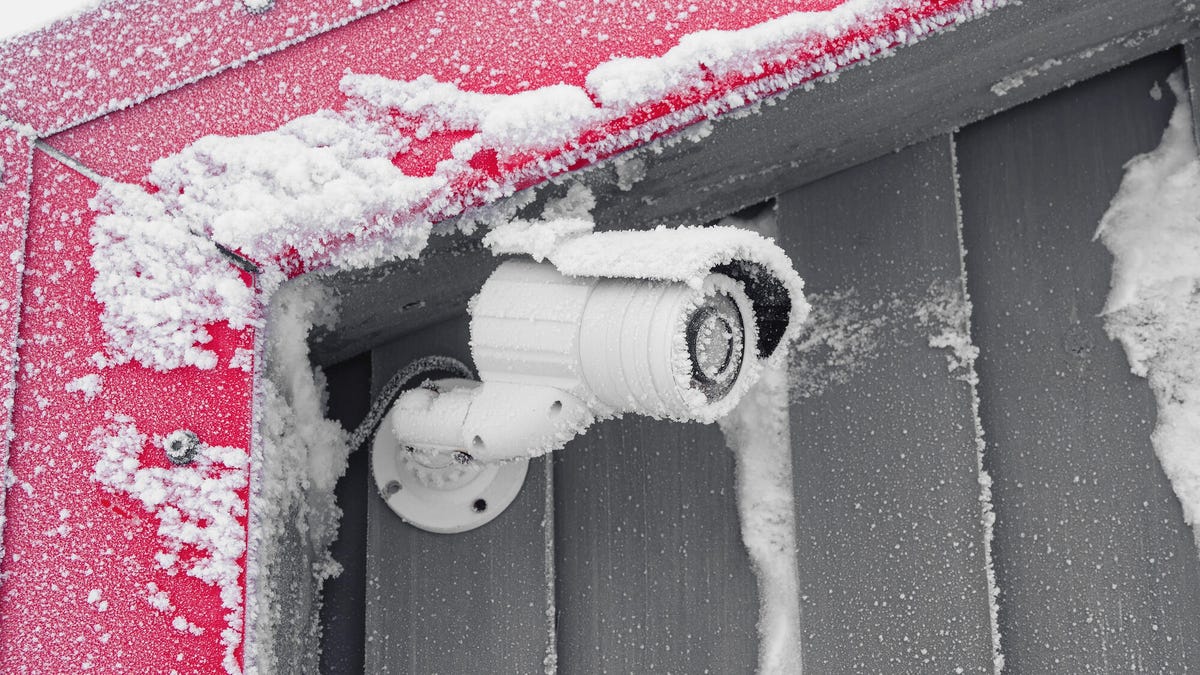
Low temperature warnings are common in winter smart homes: Here's why your devices are probably fine. Stanislav Sablin/Getty Images
If your winters get well below freezing, as mine do, you've probably had some unexpected alerts from your outdoor smart devices. My Google Nest video doorbell in particular likes to send temperature events that say something like, "Low Device Temperature -- Front Door" and warning about how freezing temperatures can affect performance and battery life.
So, the big question is: Do you need to do something when you get a warning like this? Should you bring your security cam or doorbell inside like it's a cold pet left out in a blizzard? What about warnings from smart locks, which can't be easily removed? Here's what to do.
First, your device is made for cold weather
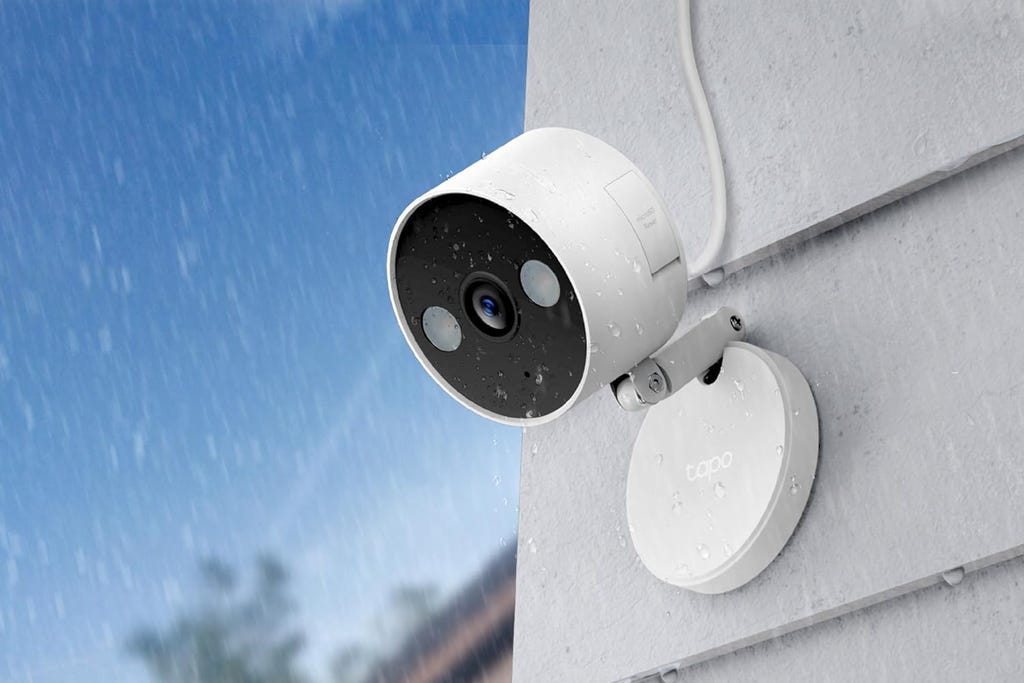
This Tapo cam can fit nearly anywhere and includes local storage options. TP-Link/Amazon
Don't worry too much about these alerts, because the best home security companies make their outdoor cameras and similar devices with hefty weather resistance ratings to stand up to all kinds of cold weather. Most devices are rated to keep working fine into negative temperatures. Arlo outdoor cams, for example, are typically rated IP65 and offer cold resistance down to minus 4 degrees Fahrenheit. Many other brands follow suit.
My security cameras have braved blizzards and ice storms with winter temps sinking into the single digits without any significant issues. Follow a few tips for positioning your camera so it won't get iced over, and it should be fine.
Battery life may be at risk in the long-term cold
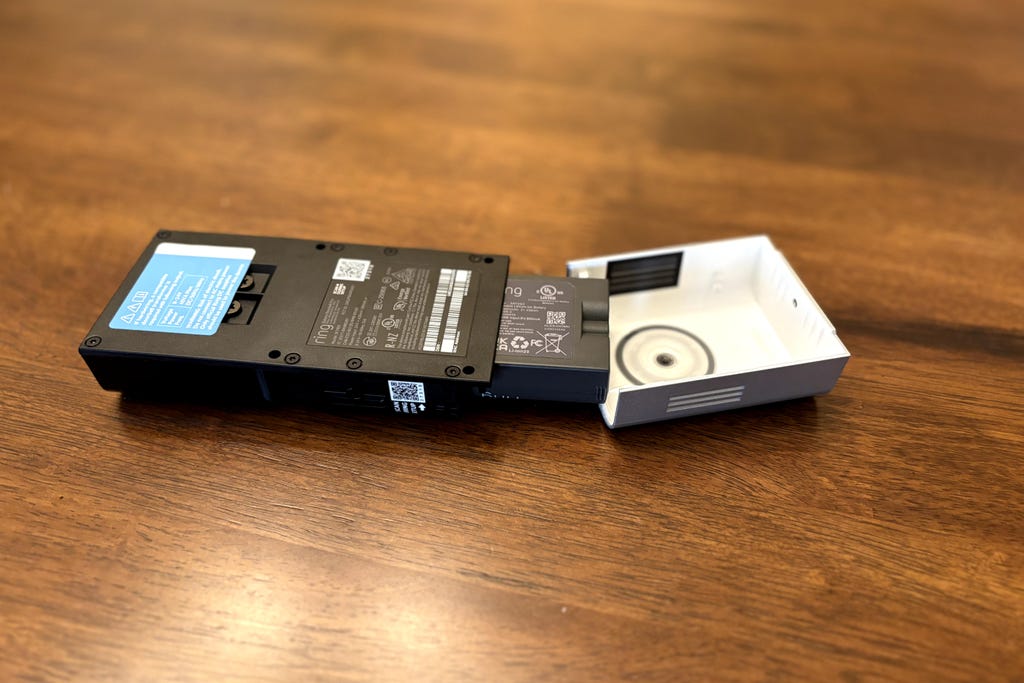
This Ring Doorbell is designed with a battery that's removed from the bottom. Tyler Lacoma/CNET
Wireless devices like security cameras rely on their batteries, and those power cells can start to struggle in cold weather, moving electrical charges more slowly. Basically it limits battery life and batteries already low on life may give out entirely, especially if cold temperatures don't let up.
If you're seriously concerned about sapped battery life causing problems (like if you're preparing for a vacation and won't be at home in the coming weeks), you can bring devices inside and charge them until bad weather passes. Otherwise, just be aware your battery life may be lower than it is in warmer months.
As I've said, my video doorbell and other outdoor devices don't have problems with freezing temperatures. I haven't noticed battery life significantly shortened compared to using devices in the summer, although the capacity may last a few weeks less during the winter months compared to the several months of battery life I get when weather warms up. Over years, problems like these may become more severe, but so far it hasn't been an annoyance.
Extremely low temperatures will pose problems

Once temperatures drop below zero, outdoor technology may not be reliable. JadeThaiCatwalk/iStock/Getty Images
I know, some of you live in states where "below freezing" does not adequately describe your winters. If you frequently see temperatures drop to anywhere from minus 5 to minus 15 degrees Fahrenheit or lower, your outside devices may stop functioning entirely until things warm up again. Some brands design cams to automatically shut down or go into a sleep mode for their own safety when temperatures get too far below zero.
If you see one of these cold snaps coming, I recommend taking electronics indoors until it passes. Security cameras with magnetic mounts make this particularly easy.
Smart lock designs should be as winterproof as possible
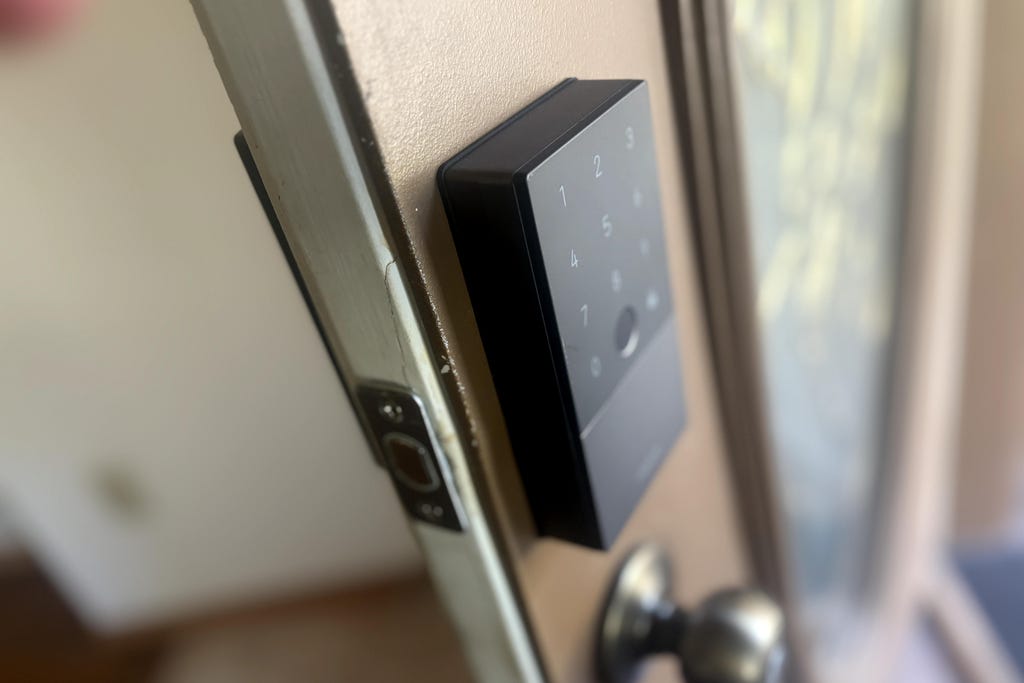
Aqara's smart lock deadbolt replacement keeps batteries on the inside. Tyler Lacoma/CNET
Smart locks face additional complications in cold weather, since you can't just bring them inside or protect them during freezing temperatures. However, the right designs help prevent any freezing-related issues.
I recommend always choosing a smart lock that keeps its batteries on the indoor component and away from freezing outdoor air to avoid the problems I mentioned. When the weather gets seriously cold, it's a good idea to keep a physical backup key handy in your car to use if necessary. Remember, a basic 9-volt battery usually acts as a failsafe to unlock smart locks with dead batteries, so you may want to keep one of those handy, too.
You can turn off the notifications if they get annoying
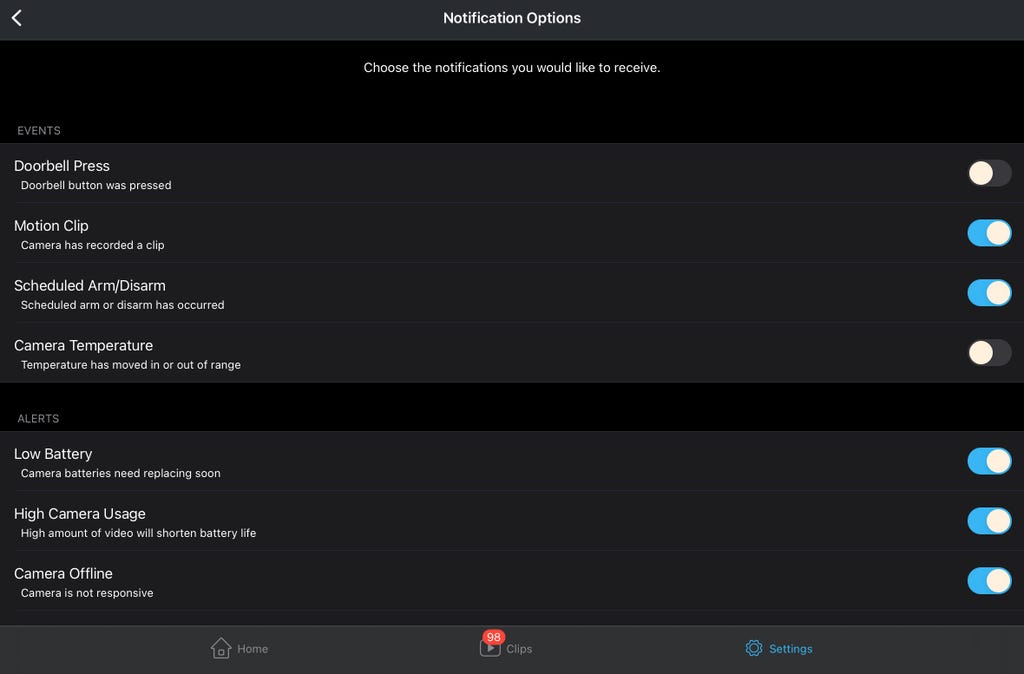
Blink app showing notifications to disable. Screenshot by Tyler Lacoma/CNET
Freezing temp warnings can quickly get annoying if your climate bounces between freezing weather and warmer levels frequently. And since nights are coldest, these alerts can often come in the middle of the night when they're least welcome.
If that's bothering you, visit our complete guide on how to decrease or stop smart home app alerts and you'll find ways to fix this issue.
For more information about handling outdoor smart home technology, review our home security cheat sheet, see our guide on surviving winter storms and check out the easiest ways to make your home smarter.

-
 C114 Communication Network
 -
 Communication Home
