

 Search

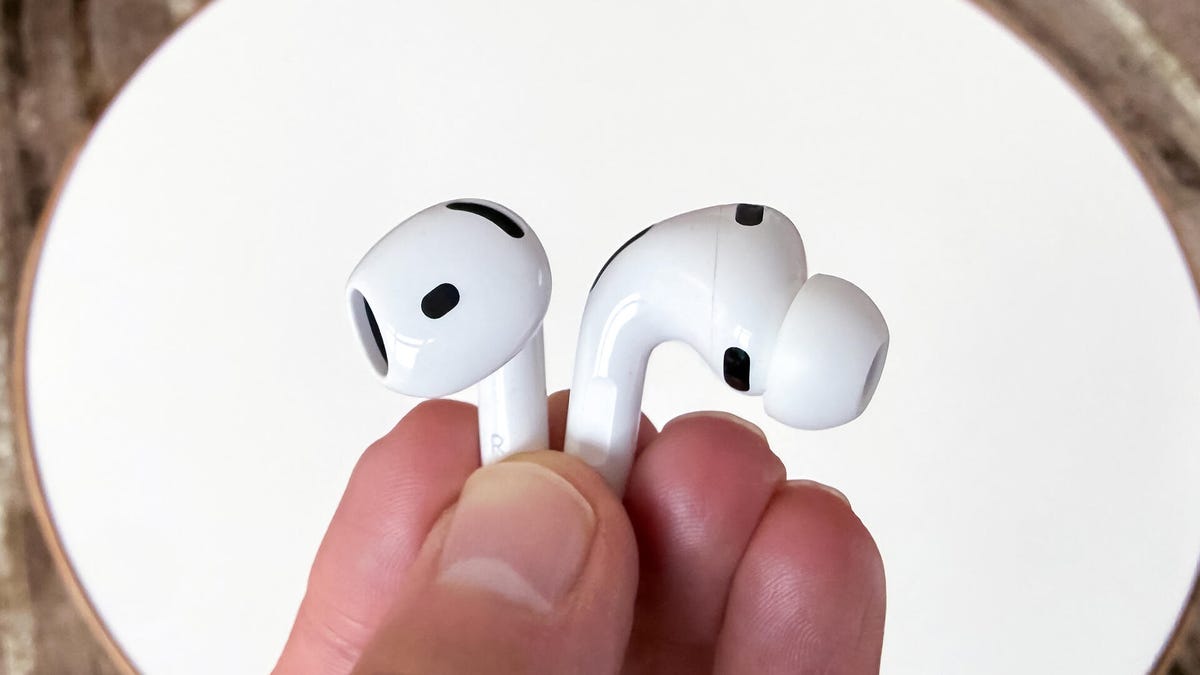
If you're having random issues with your AirPods, including connection issues or other hiccups, you might need to reset them. This is one step beyond the old tech adage of "turn it off, then turn it on again." With all tech, especially wireless tech, a factory reset can wipe out certain software or Bluetooth bugs and get the device working like new (again).
This is true for both the AirPods Pro 3, which are among the best wireless earbuds you can buy, the excellent AirPods 4, as well as older generations like the AirPods 2, AirPods 3, AirPods Pro and AirPods Pro 2. Knowing how to reset your AirPods is a practical trick to have up your sleeve, whether you want to kickstart your AirPods back into action or you want to sell them before trading up. The good news? It's a straightforward process that'll take you all of a few minutes to learn.
AirPods not connecting? Fix them with a quick factory reset
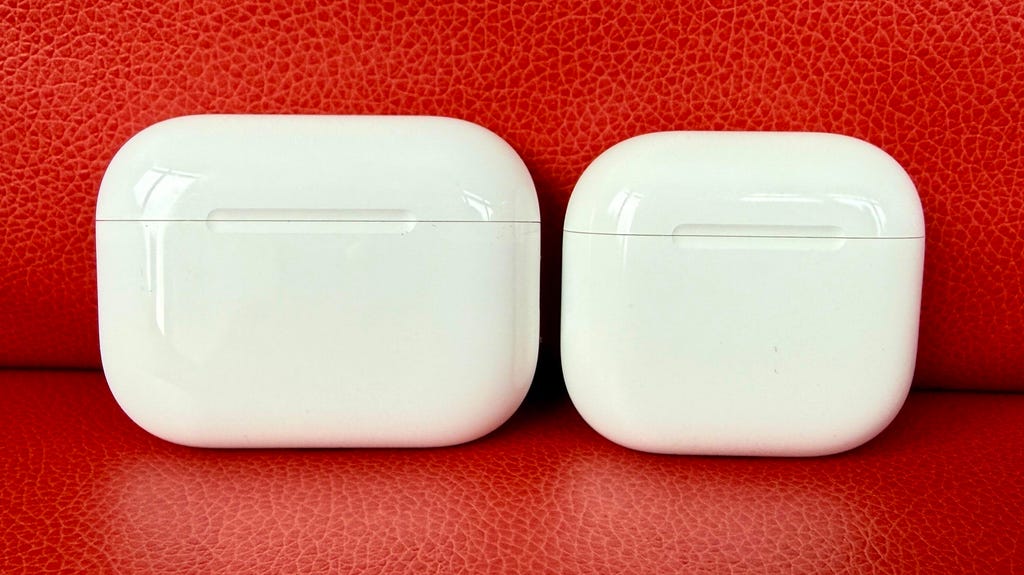
David Carnoy/CNET
1. Place your AirPods in their charging case and close the lid.
2. After 30 seconds, open the lid of your case to connect to your iPhone or iPad. On either device, go to Settings > Bluetooth and tap the blue i icon next to your AirPods. (If you don't see your AirPods in Settings > Bluetooth, just go to the next step.)
3. Tap Forget This Device, and tap again to confirm.
4. Now that your AirPods are forgotten, open the lid, press and hold the button on the back of the case for about 15 seconds or until the status light flashes amber, then white.
If you use an Android phone, the first two steps are the same, then:
3. Go to Settings, then Connected Devices, then hit the cog icon next to your AirPods or AirPods Pro.
4. Now, tap Forget and then Forget device to confirm.
Once you reset your AirPods, the earbuds will no longer automatically recognize devices linked to your iCloud account. Opening an AirPods case near an iOS device will begin the setup process as if you were using it for the first time.
If you need more help with Bluetooth pairing, here's how to pair AirPods with a Windows device and how to use AirPods with any Android phone. Plus, how to clean nasty AirPods the easy way, a trick for keeping AirPods in your ears, some AirPods Pro tips and tricks, what to do if you lose one of your AirPods and how your friends and family can help you find missing AirPods.


