
 Search

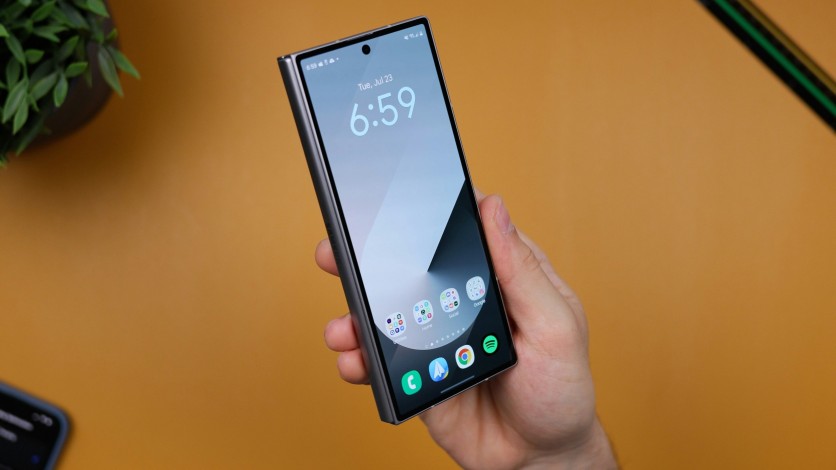
Daniel Romero/Unsplash
Samsung has added something new to its Galaxy smartphones, specifically a new security feature that will restart the device if it remains inactive for 72 hours.
Samsung to Restart Galaxy Phones After 72 Hours of Inactivity
Sammy Fans reported that Samsung has quietly added a new feature within its device settings, which will automatically restart a Galaxy smartphone when it remains inactive after a period of 72 hours.
Users need to manually turn on the feature in their device's settings, which is called the "inactivity restart." After seeing a total of three days without anybody unlocking the device using the correct login code or biometric scans, the feature will commence its restart process and add more layers of security to the device.
After the device restarts via the feature, it will employ stricter security measures, such as restricting notifications and alarms on some apps. This also means that the device will not display SMS, RCS, calls, chats, and names of contacts from select apps that appear on the screen by default.
Samsung's New Security Feature: Inactivity Restart
To find this new feature and manually enable it, users need to open their device's Settings and go to Security and Privacy.
Next, tap More security settings and scroll down to find inactivity restart.
After the device is restarted under this feature, users need to unlock the Galaxy smartphone in order to see the notifications on the lock screen again and have other functions return to normal.

-
 C114 Communication Network
 -
 Communication Home
