

 Search


You can't look up smart home features without running into voice assistant compatibility -- will this product work with Amazon Alexa, Apple Siri, Google Home/Gemini, or the dozens of third-party voice assistants out there? But what if you don't like that?
People may want to avoid voice assistants, especially from the big brands, out of fears of privacy or what they do with your voice recordings once you use the wake word. Others may simply dislike talking out loud to their devices, especially if the tech has a habit of misunderstanding words.
Fortunately, while we talk a lot about talking to your home, you don't have to do it. There are many ways to control and adapt your smart home without pulling out your phone every time. Here are my recommendations.
Programmable buttons and switches
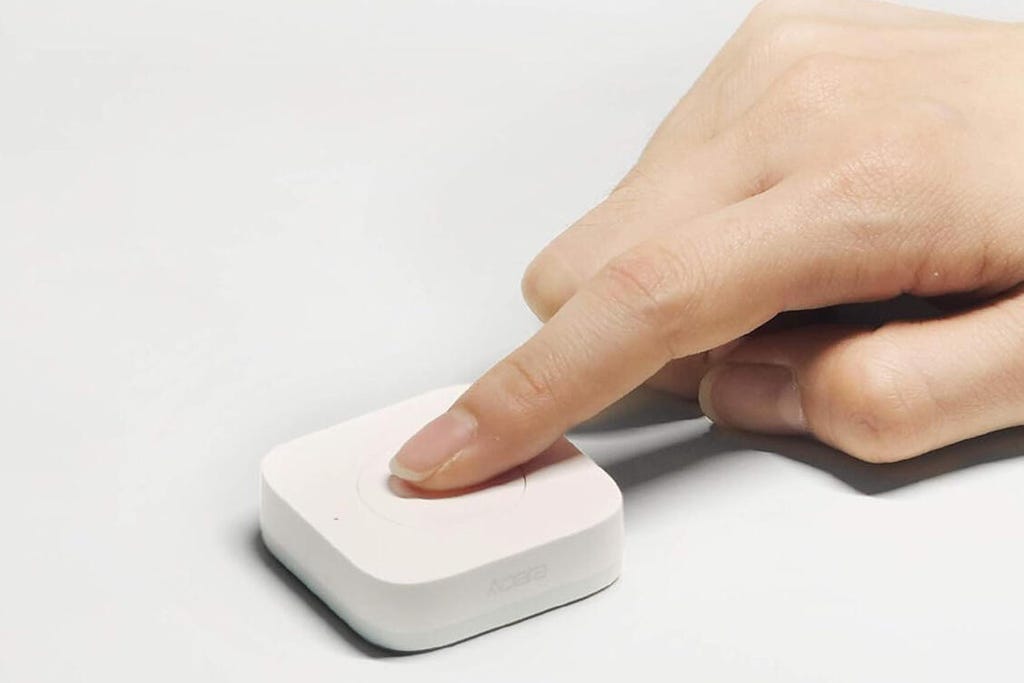
Smart buttons can be programmed with various device actions and routines. Aqara
You may have heard about smart light switches that can dim, but smart switches can go much farther. I've experimented with smart switch models from Aqara ($15), Govee ($12) and SwitchBot ($25)that work with multiple devices, allowing you to program them for what is nearby or most important to you, from lights and blinds to humidifiers and motion sensors.
These buttons typically have multiple programming options so you aren't limited to only one press for one device, and they can usually control more complex routines. Most are portable, too. Just check and see if you need a companion hub and buy them together if necessary.
Presence-sensing and motion detection
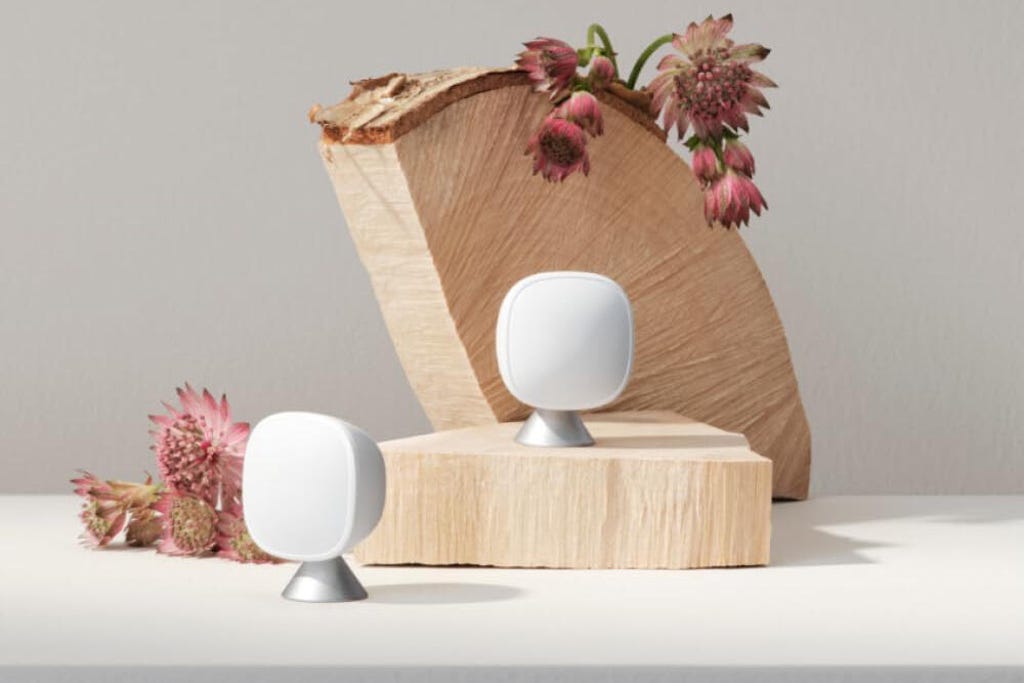
Presence sensors are common with smart thermostats, including separate room sensors, but they can do much more. Ecobee
Presence-sensing is one of the most hyped smart home technologies this year, using Wi-Fi disturbances and mmWave radar to detect people and movement without security cameras. Old-fashioned motion detectors and motion sensors like those built into smart thermostats work, too.
This kind of motion and presence sensing lets you set up all kinds of simple interactions based on whether people are in the room or not. The latest MotionAwareTM technology from Philips Hue, for example, can turn smart lights on or off based on your programming and the number of people present.
Aqara's new Multi-Sensor, shown at CES and coming later this year, goes even further with presence sensing that can detect the number of people and their position while connecting with platforms like Apple Home and Google Home. That lets you control nearly any smart device based on the people nearby, no voice commands needed.
In a pinch, you can check your home security system motion detectors, too. Some of them can also connect to other devices and control more than just your alarm.
Don't miss any of our unbiased tech content and lab-based reviews. Add CNET as a preferred Google source on Chrome.
Built-in voice assistants with no Wi-Fi needed
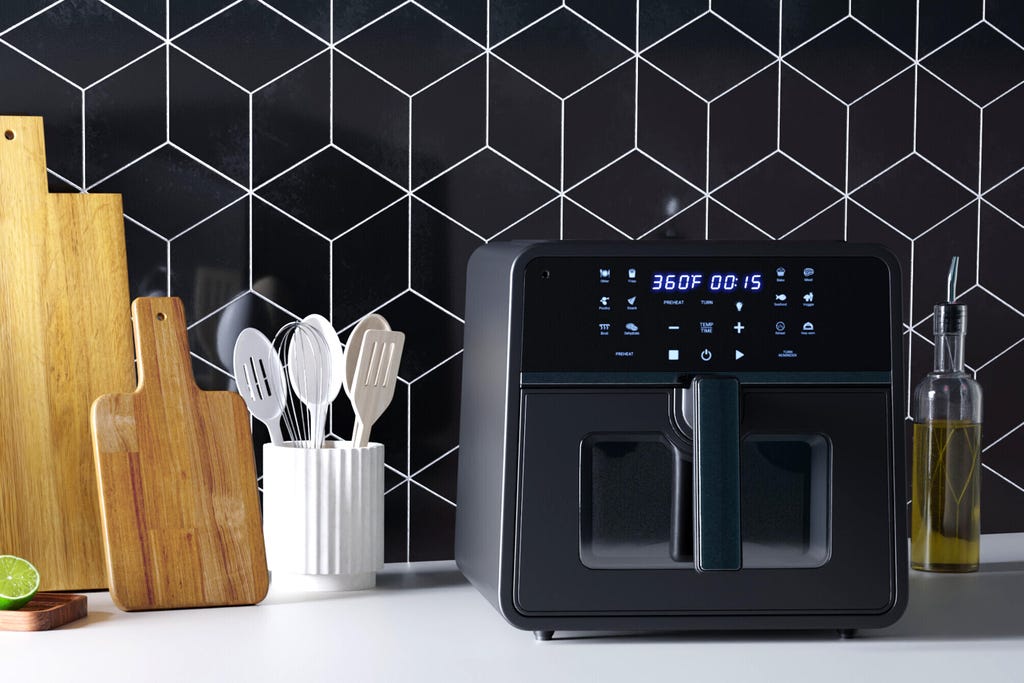
Emerson Smart's air fryer knows hundreds of voice commands without needing Wi-Fi. IAI Smart
If you like the idea of talking to home devices and issuing orders but really don't like the privacy issues involved, there's a third option. Certain voice assistants, particularly the latest from the Emerson Smart line, are entirely contained within the device itself, so all you need to do is plug it in. There's no Wi-Fi connection, no app and zero worries about any eavesdropping or data collection.
Emerson Smart has a variety of devices with dozens or even hundreds of voice commands, like a smart tower fan ($90), a smart plug for a wall outlet ($25) and a smart air fryer ($129). You don't need to use a proprietary wake word either, just shout something like "Hey, heater" or "Hey, air fryer" and it will listen.
Home routines that use time of day or geofencing
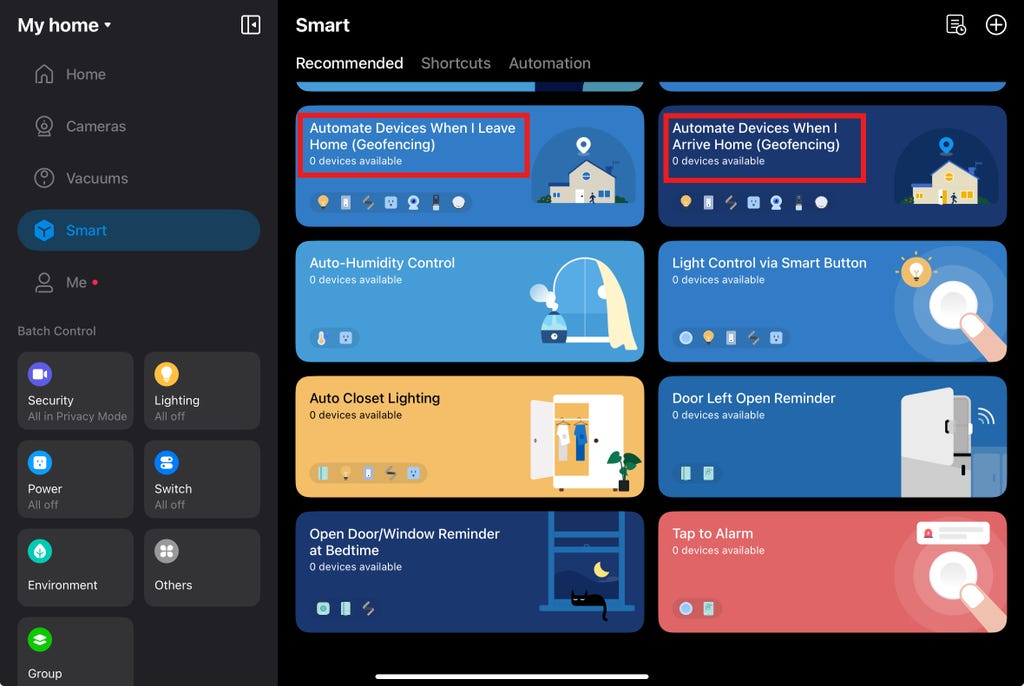
Smart home apps have a number of ways to get started with geofencing, and some are very simple. Tyler Lacoma/CNET
I've discussed geofencing before and how useful it is for time-saving smart homes. Geofencing allows devices to use your location and turn things on or off as you leave home or arrive. That could be closing a smart garage, locking or unlocking a smart lock, turning on a light or arming a security system, all based on your position.
Geofencing is relatively easy to set up, but if you don't want to share your location with apps then you can easily create other home automations based on factors like the time of day. We have a guide showing just how easy it is to get started.
A touchscreen hub or smart display
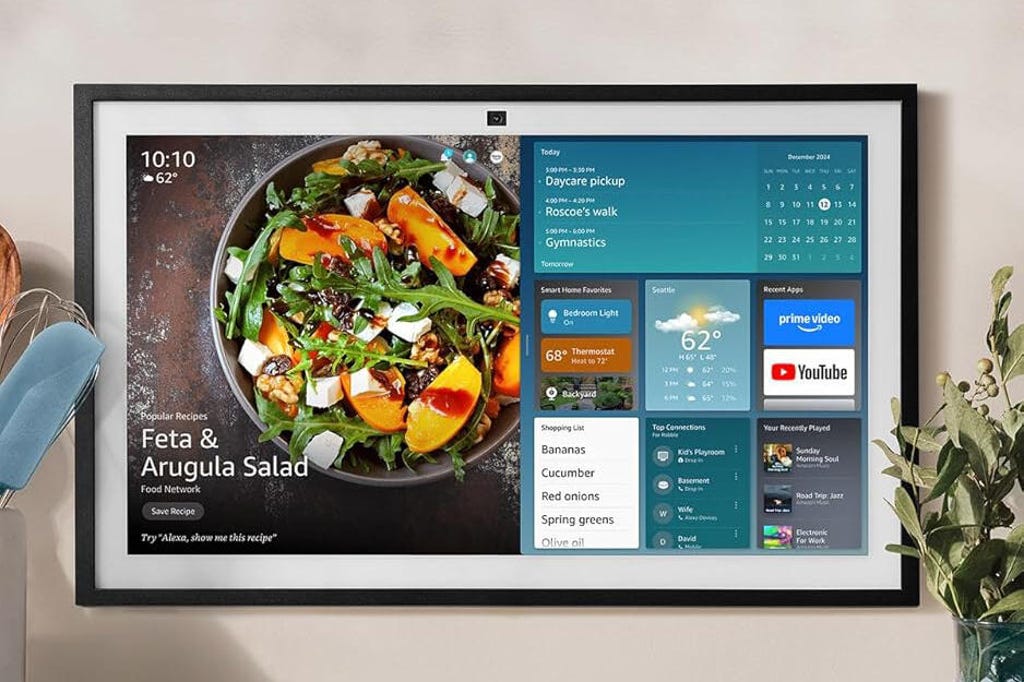
You can shut off voice assistant mics and use displays like this Echo Show touchscreen without worry. Amazon
If you prefer to let your fingers do the talking, consider a touchscreen that can connect to your other smart home devices. You can set it up in a central spot or mount it on a wall and control everything with a few taps.
Amazon's large Echo Show 21 ($400) is a great example, and you can manually mute the Alexa mic and never use the voice assistant while taking advantage of the very strong smart home compatibility. (Google's Nest Hubs, currently moving to Gemini for Home, don't have the same touch control options in my latest tests. )
There are also touchscreen hubs from brands like Control4 and even touchscreen replacements for light switches that can control lights and fans, like the model we saw at CES from Hunter Fan or this Moes smart panel ($150). That gives you plenty of choices if you like a touchscreen much more than talking out loud.
In addition to these choices, check out what features you can add to your home with DIY home security systems and my favorite Home AI tricks.


