
 Search

Credit: Google
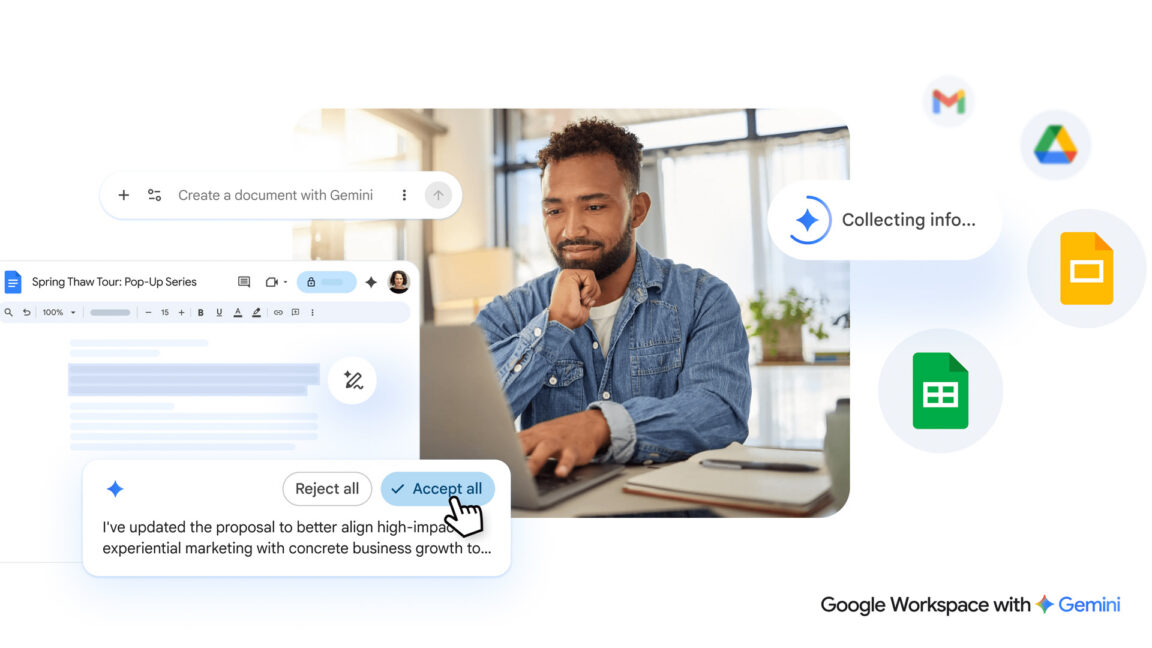
Google didn’t waste time integrating Gemini into its popular Workspace apps, but those AI features are now getting an overhaul. The company says its new Gemini features for Drive, Docs, Sheets, and Slides will save you from the tyranny of the blank page by doing the hard work for you. Gemini will be able to create and refine drafts, stylize slides, and gather context from across your Google account. At this rate, you’ll soon never have to use that squishy human brain of yours again, and won’t that be a relief?
If you go to create a new Google Doc right now, you’ll see an assortment of AI-powered tools at the top of the page. Google is refining and expanding these options under the new system. The new AI editing features will appear at the bottom of a fresh document with a text box similar to your typical chatbot interface. From there, you can describe the document you want and get a first draft in a snap. When generating a new document, you can rope in content from sources like Gmail, other documents, Google Chat, and the web.
This also comes with expanded AI editing capabilities. You can use further prompts to reformat and change the document or simply highlight specific sections and ask for changes. Docs will also support AI-assisted style matching, which might come in handy if you have multiple people editing the text. Google notes that all Gemini suggestions are private until you approve them for use.
Gemini in Google Workspace.Gemini is also getting an upgrade in Sheets, and Google claims the robot’s spreadsheet capabilities are nearing those of flesh-and-blood humans in recent testing. Similar to text documents, you can tell Gemini in the sidebar what kind of spreadsheet you need and the AI will use the prompt (and whatever data sources you specify) to generate it. Gemini can also allegedly fill in missing data by searching for it on the web. In our past testing, Gemini has had a lot of trouble with spreadsheet layouts, but Google says this revamp will handle everything, from basic tasks to complex data analysis.
Sides is getting added Gemini functionality, but not all at once. Google says Gemini can now build an entire slide from a prompt, with the same ability to pull context from your files and emails (if you enable this for the prompt). You can also have the AI edit or rework a slide if it doesn’t look the way you want. In the future, Google plans to give Gemini the ability to create entire presentations with multiple slides from a single prompt, but this won’t be available during the initial rollout.
Just ask Gemini
While Google has mostly focused on the changes coming to individual Workspace apps, the way you find and interact with your files is also getting an AI makeover. The search bar will rely more heavily on AI to find your files, and searches will also come with an AI Overview right at the top. This text will summarize the most relevant information for your search with citations for the associated documents.
AI overview in Google Drive.You’ll also see “Ask Gemini” buttons around the interface, including in search results. Those let you ask deeper questions about the documents in a particular folder or a batch of search results. You can export the resulting AI outputs to a new document where you can, again, use Gemini to expand and edit the content.
Like most of Google’s new AI expansions, these Workspace features will come first to Google AI Ultra and Pro subscribers. The Docs, Slides, and Sheets features will roll out gradually over the spring globally, but only in English. The Drive search changes will also arrive in the coming months, but this will be limited to the US at first. If you don’t want any part of this, you can disable “Smart Features” in Workspace, which kills Gemini but also turns off things like Gmail package tracking and pulling calendar events from Gmail.

-
 C114 Communication Network
 -
 Communication Home
